Chip-accurate sound
Sixteen devices, each limited like the real hardware — channel counts, waveforms, noise and FM operators included.
Retro sound chips · 16 devices · Free in the browser
Live in the browser
Turn any sound into a retro sound-chip sound effect.
Drop in a voice clip, a beep, a bang — anything — and BOiNK resynthesizes it the way a PC speaker, AdLib card, NES, C64 or Game Boy would have played it. Hear the copy next to the original, compare their spectrograms, then export it as WAV, MP3, FLAC or AAC.
Free. Installable from your browser as an app. Your audio is processed on your device and never uploaded.
Lo-fi filters just wreck audio. BOiNK analyses the sound once, boils it down to a small patch, and lets each emulated chip play that patch within its own hardware limits.
Analyse
Play
Three steps from clip to chip.
Choose a sound chip, then load a demo file set or add your own files from your device.
Watch each sound go from before to after as BOiNK builds the patch. Cancel any time.
Play the original against the copy, check the spectrograms, and save each result in the format you need.
From a single beeper to arcade boards and FM cards.
Real screens from the app — pick a chip, synthesize, compare, export.
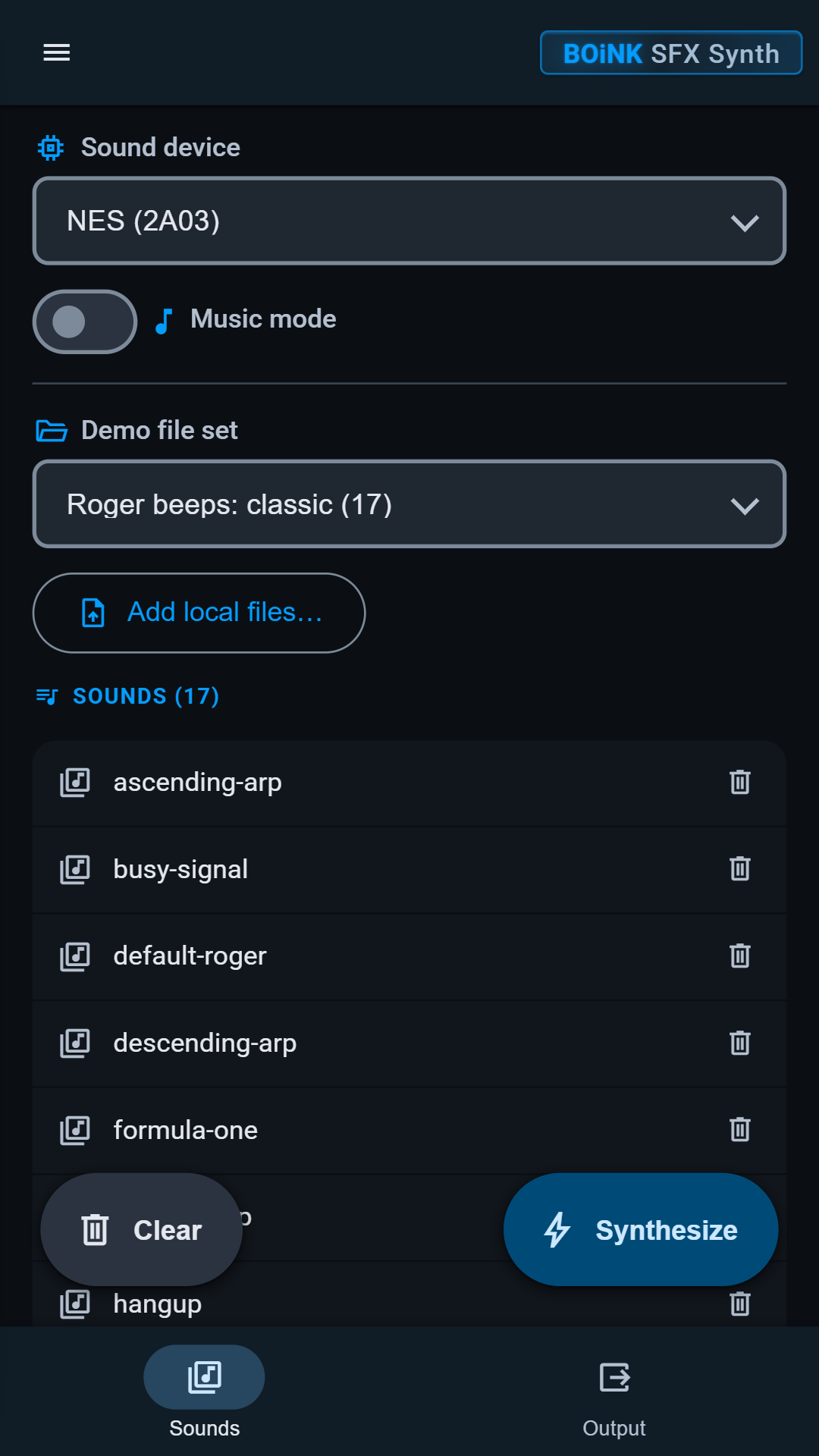
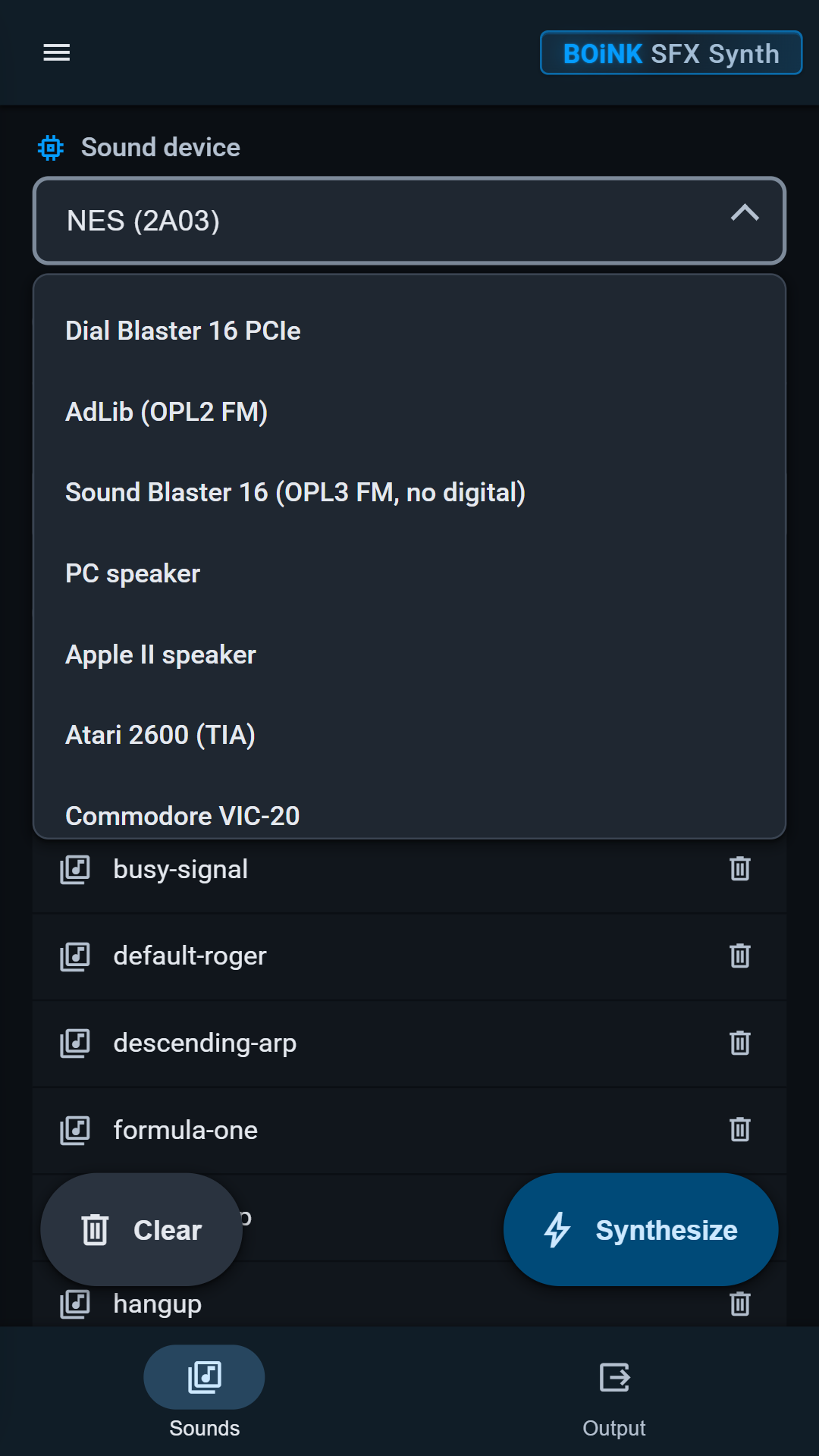
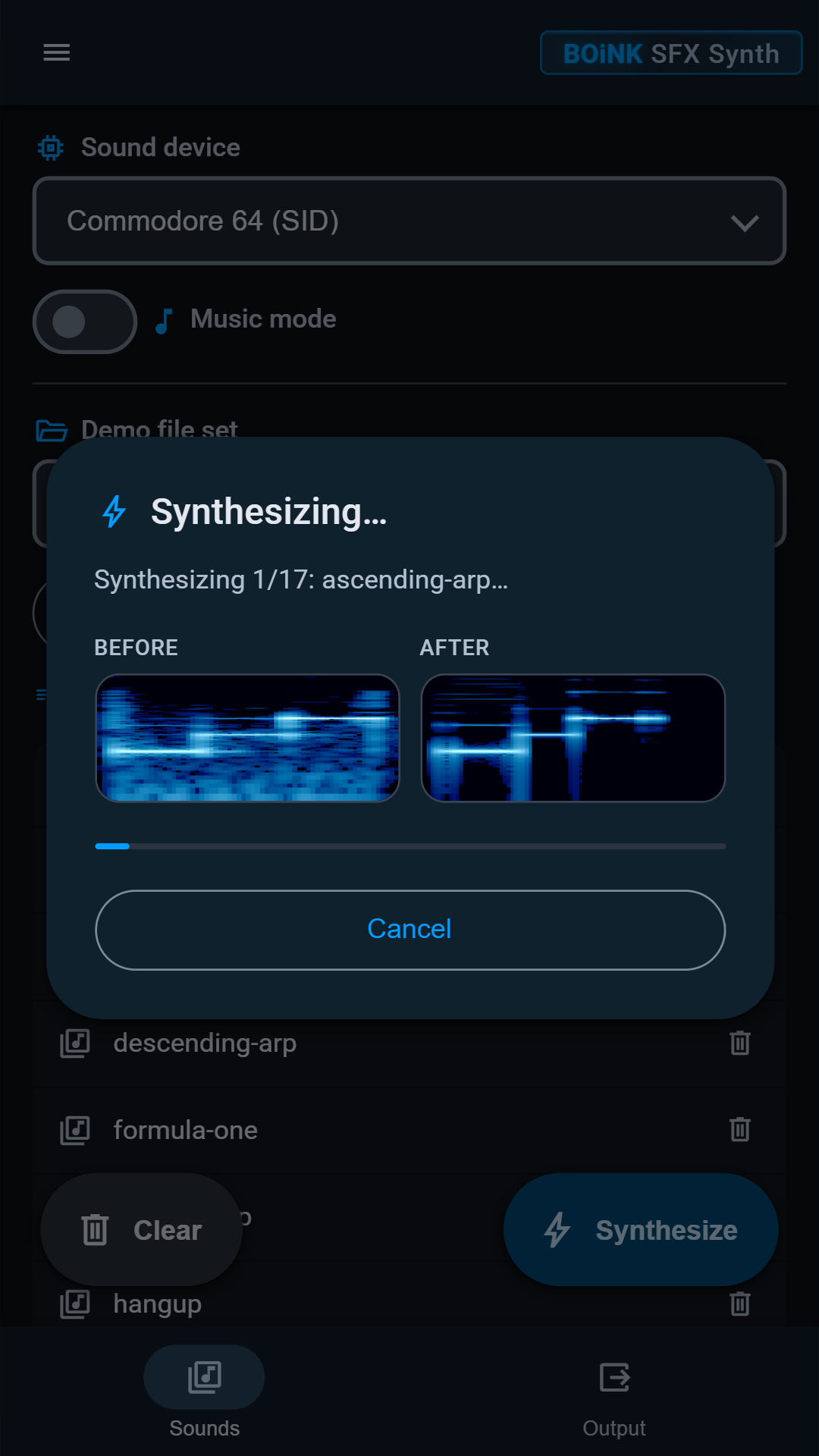
Sixteen devices, each limited like the real hardware — channel counts, waveforms, noise and FM operators included.
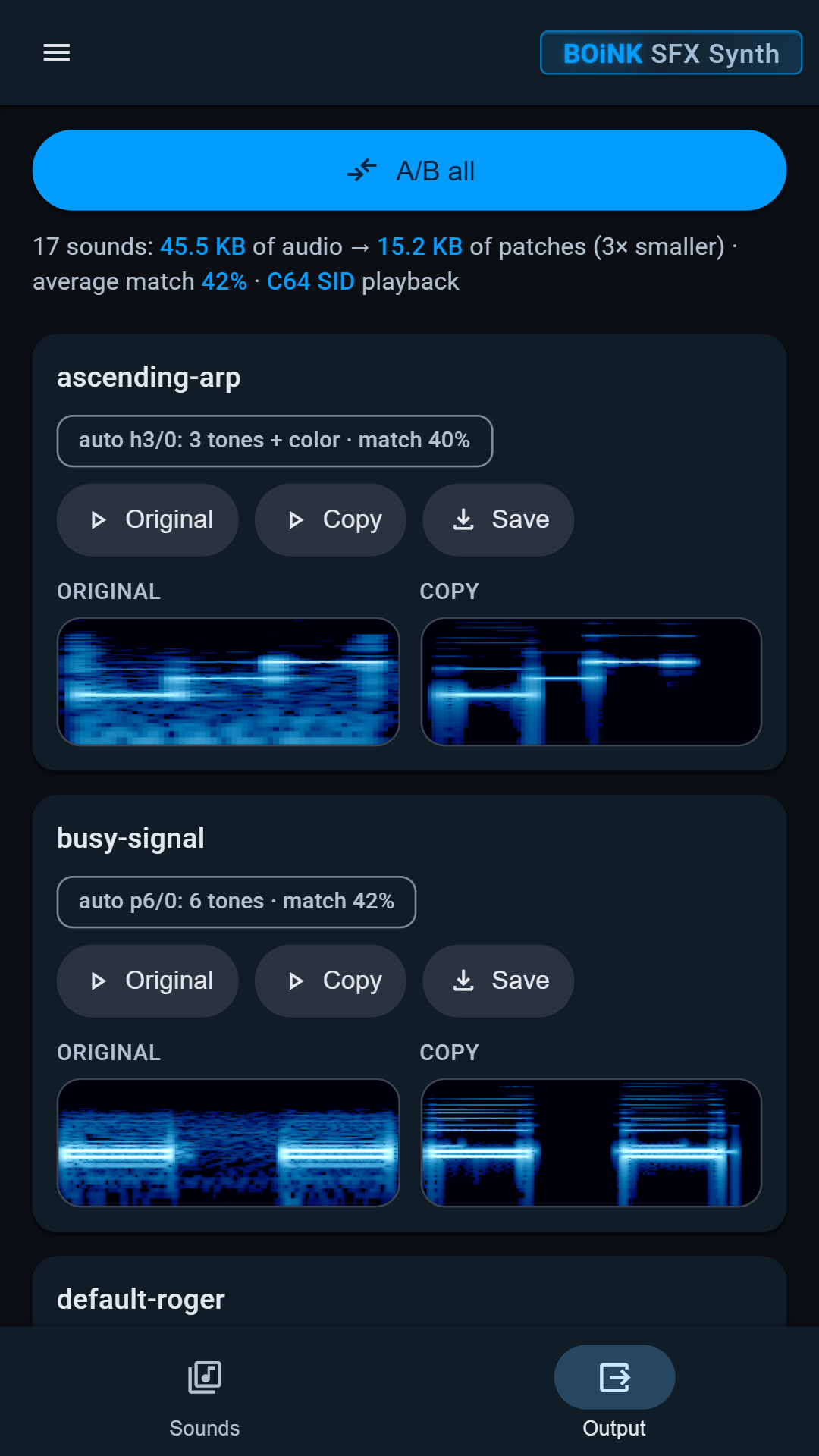
Original and copy spectrograms side by side, plus a match score and a size comparison for the whole batch.
Play the original, play the copy, or run A/B all through the full list to audition a chip fast.
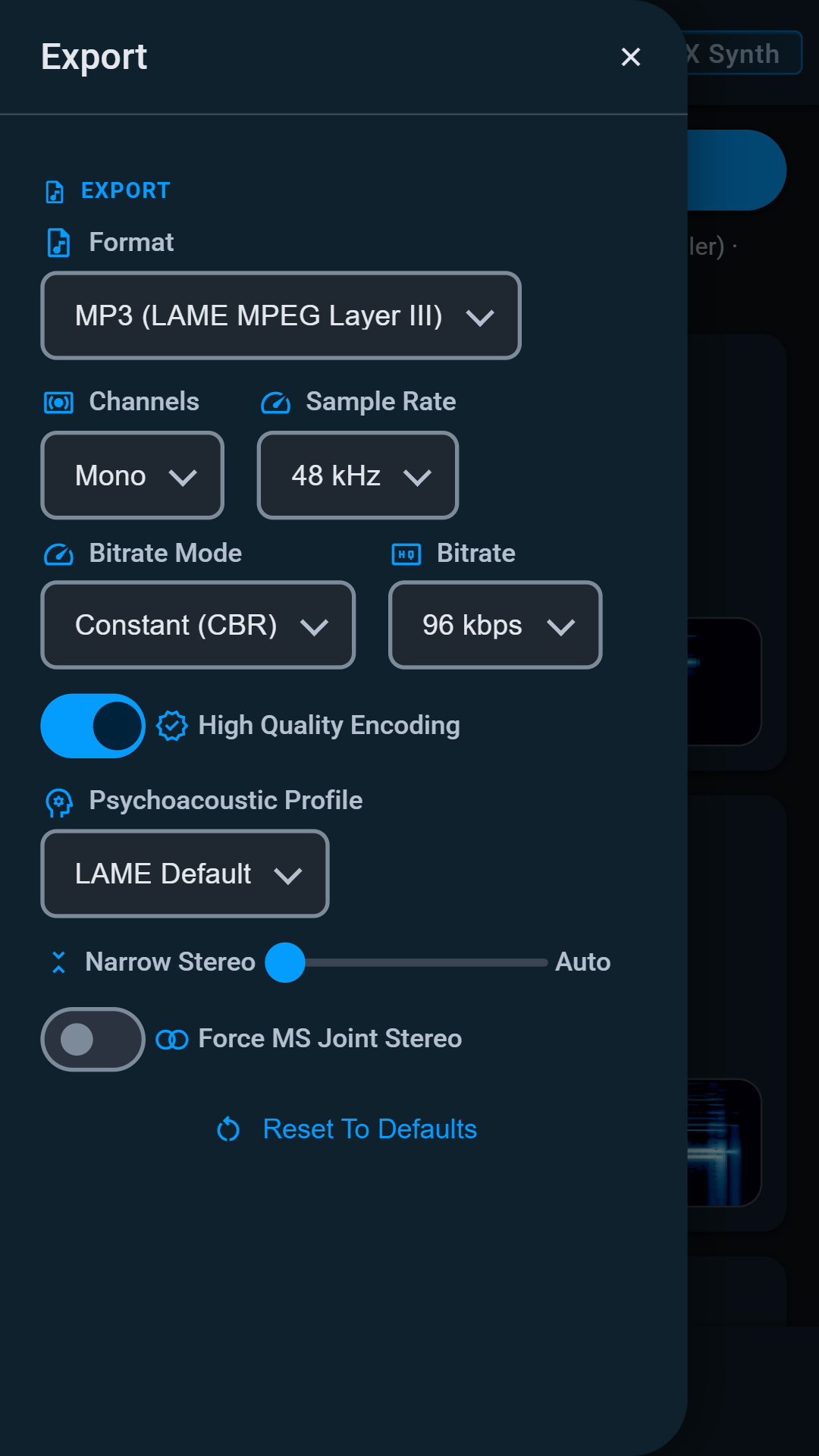
WAV (PCM, IMA/MS ADPCM, A-law, µ-law, GSM 6.10), FLAC, MP3 (LAME) and AAC / M4A, with mono or stereo and 8–48 kHz sample rates.
Everything is synthesized and encoded on your device. Your files are never uploaded.
Built by the studio behind chainDRiVE, Global Chaos CB Radio and KAOS-FM.
Runs in any modern browser, phone or desktop.
Open boinksfx.pages.dev and use your browser's Install app option to pin it to your home screen or desktop. No account, no download.